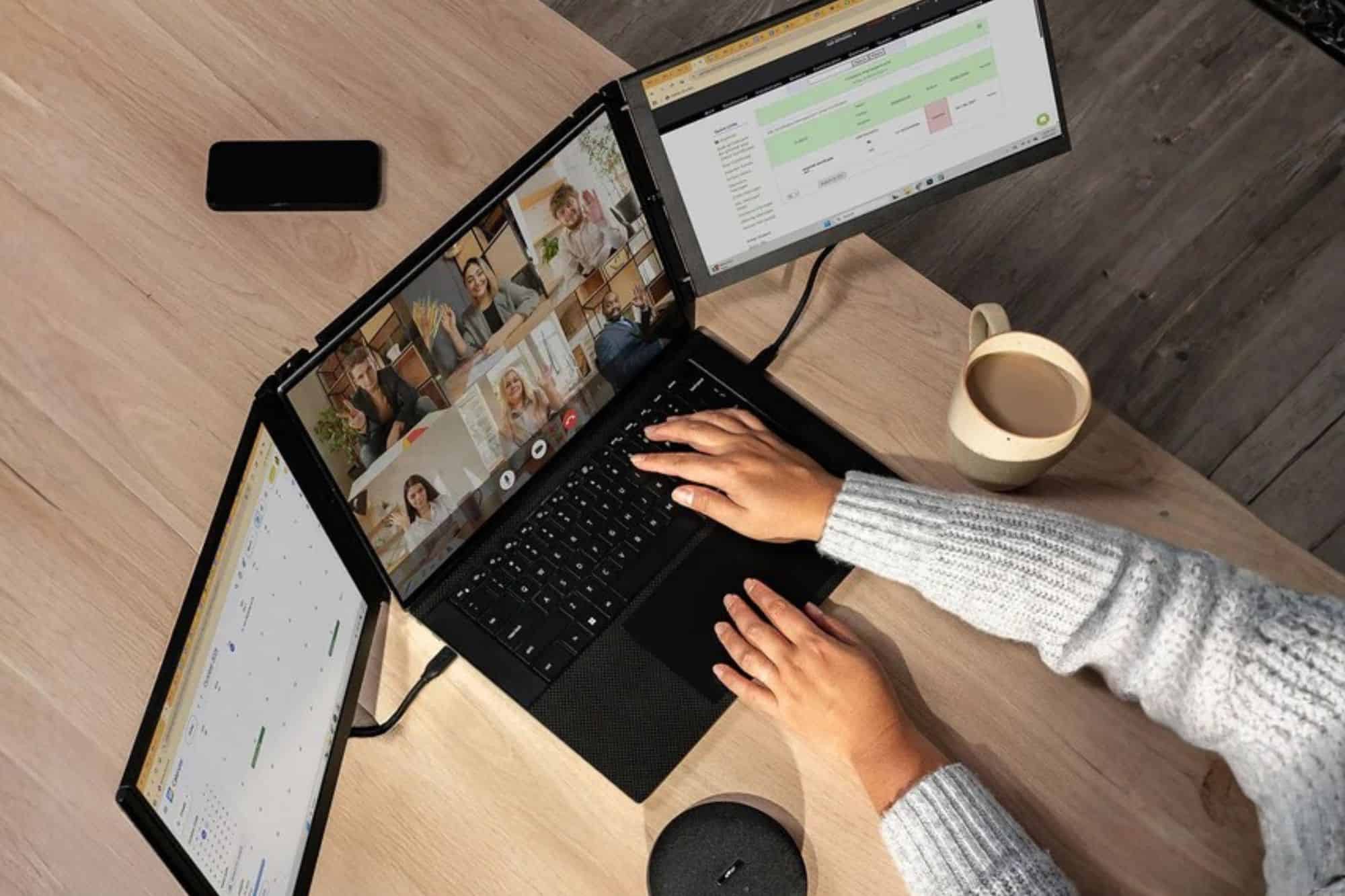
AD | Streaming has exploded in popularity, and if you spend any time on YouTube or Twitch, you already know why. But behind every great stream is a setup that actually works. When the gear isn’t right, the experience falls apart fast – for the streamer and the audience. That’s why savvy creators are turning to tools like the laptop screen extender to level up their setup and keep everything running smoothly.
A laptop screen extender is a portable monitor that attaches to your existing laptop, giving you one or more additional displays without the need for a full desktop setup. For streamers, this means being able to keep your gameplay, live chat, streaming software, and analytics all visible at once. It eliminates constant window-switching and reduces the risk of on-stream mistakes. It’s one of the most practical upgrades a content creator can make to their workflow.
The Reality of Modern Streaming Setups
From the outside, streaming looks like a dream job. The reality? It’s a constant juggling act. Streamers are simultaneously managing software updates, syncing audio, monitoring network stability, and keeping their audience engaged, often all at the same time. Miss one thing and your viewers notice. Drop a frame, forget to switch scenes, or let a chat message go unanswered for too long, and the immersion breaks. One of the smartest ways to take control of all those moving parts is simply adding an extra screen to your setup.
Why Multi-Screen Setups Matter for Streamers
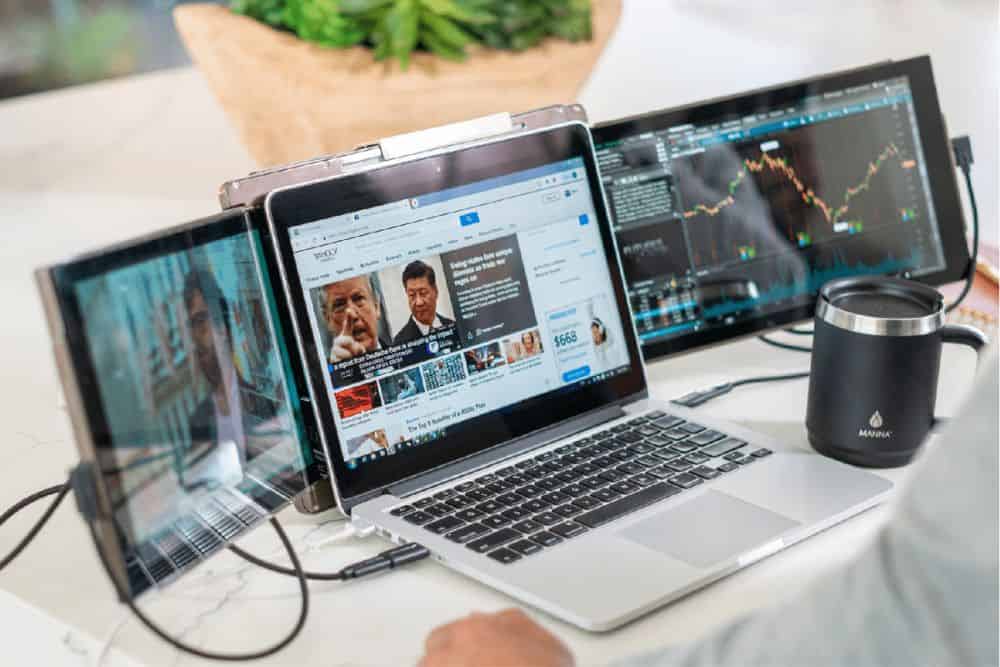
Professional streamers rarely rely on a single display, and there’s a good reason for that. Multiple screens let you handle everything in real time – gameplay, live chat, notifications, and analytics – without constantly alt-tabbing between windows. That constant switching isn’t just annoying; it breaks your focus and introduces the kind of small errors that are hard to recover from mid-stream.
Options like the Mobile Pixels Trio laptop screen extender make this possible without a bulky desktop rig. You get the multitasking freedom of a full workstation in a portable package, with far less cognitive load during those long, intense sessions. Whether you’re streaming from a bedroom or home office setup or on the road at a gaming event, a laptop screen extender keeps your workflow tight.
Key Ways Laptop Screen Extenders Improves Your Stream
Real-Time Chat Monitoring
Dedicate one screen entirely to your live chat feed and you’ll never have to minimize your game to respond to a viewer message again. For Twitch and YouTube streamers, this alone is a game-changer. Chat interaction is the heartbeat of a live stream – viewers who feel seen and heard are far more likely to stick around, subscribe, and return. Staying present in the conversation builds community, and the benefit of faster response times is something your audience will feel, even if they can’t quite put their finger on why they enjoy your stream so much.
Seamless Stream Control
Keep your streaming software – OBS, Streamlabs, or whatever you prefer – open and visible on one dedicated screen at all times. No more fumbling through windows mid-broadcast. Fewer accidental scene switches. No more discovering you’ve been muted for ten minutes without realising it. Having your controls permanently in view means you’re always in command of what your audience sees and hears.
Content Preview & Quality Control
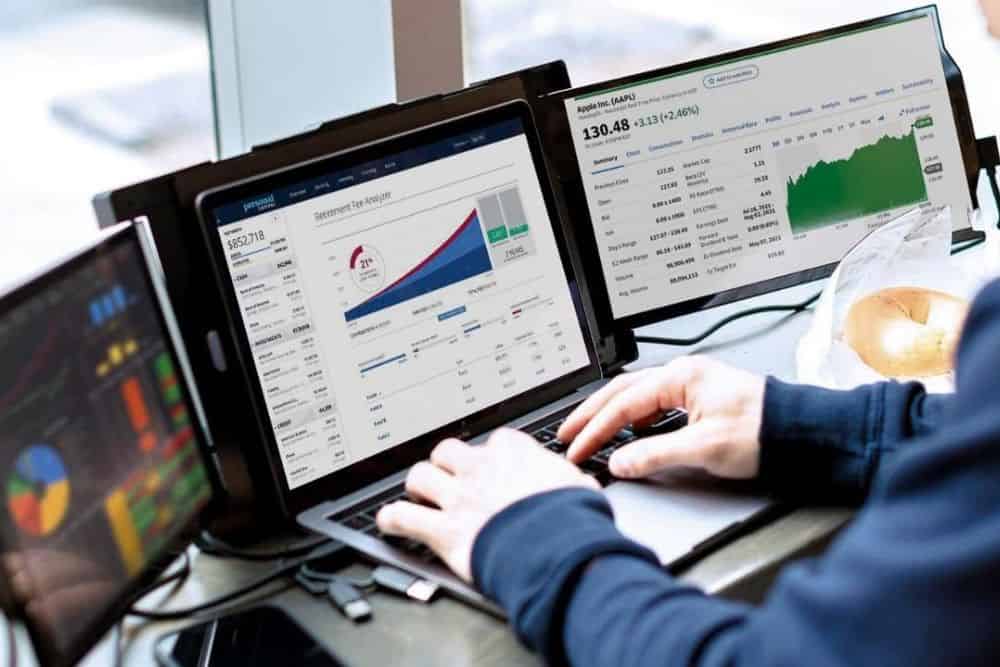
Run a live preview of your stream on a second display so you can catch frame drops, check visual alignment, and make sure your overlays are functioning correctly in real time – all without interrupting your main content. It’s the closest thing to having a director’s monitor, and it gives you a level of quality control that single-screen streamers simply can’t match.
Efficient Workflow for YouTubers
It’s not just live streamers who benefit. YouTubers can keep scripts or essential reference notes on one screen while editing footage or reviewing analytics on another, making the whole production process faster, more organised, and far less frustrating. When everything you need is visible at a glance, you spend less time searching and more time creating.
Stream On…
A laptop screen extender won’t change your content, but it will change how confidently and smoothly you deliver it. Once you’ve experienced streaming with an extended setup, going back to a single screen will feel like working with one hand tied behind your back. So why not give it a go, and see what a difference a little extra screen real estate can make to your creativity, your workflow, and your viewers’ experience?
Have you ever considered investing in an extra screen for your work? Do you think it would help your workflow and creativity too?
* This is a collaborative post – please see my Disclaimer.

I had no idea there were screen extenders for laptops! It does seem like it can useful for people who work at home too.
They absolutely are, I love mine!